
A pack drops
When a player kills a mob, there is a small chance to get the pack of its collection.
TCG Cards
Every mob has its card. Players find packs while hunting, open them, trade their cards and fill their binder.
When a player kills a mob, there is a small chance to get the pack of its collection.

Right-click: the pack shakes, tears open and the card flips. The rarer it is, the longer it glows.

/tcg opens the binder: owned cards, missing cards and progress.
A trade menu confirmed on both sides: /tcg trade.
Duplicates turn into dust, which buys boosters.
3 or 5 cards with a guaranteed rarity, plus seasonal boosters.
1% chance per card, with their own shiny binder.
Players sell cards to each other: /tcg ah.
Daily and weekly objectives, configurable.
Rewards at 25, 50 and 75%, titles, /tcg top.
MythicMobs and ModelEngine mobs get their card too.
SQLite, or MySQL / MariaDB to share collections.
%tcg_...% placeholders and money purchases.
Textured cards, packs and binder, vanilla fallback without it.
Texts and texture packs in both languages.
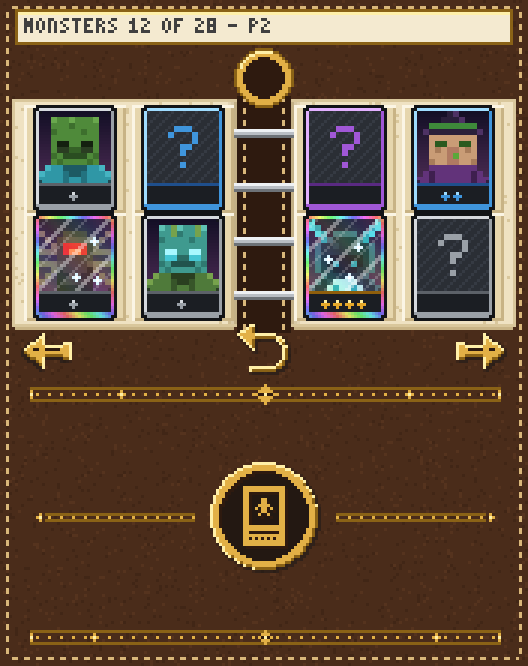


27 more collections, one per bestiary family. Each expansion is included with its pack and drops into a folder without touching your config.
 Wildlife Vol. 145 cards
 Wildlife Vol. 2: Savanna32 cards
 Wildlife Vol. 3: Northern Forests45 cards
 Wildlife Vol. 4: Jungle26 cards
 Wildlife Vol. 5: Ice and Rivers18 cards
 Wildlife Vol. 6: Outback and Bamboo9 cards
 Wildlife Vol. 7: Cold Oceans8 cards
 Wildlife Vol. 8: Rainforests14 cards
 🐪 Wildlife Vol. 9: Deserts8 cards
 The Forgotten Automatons5 cards
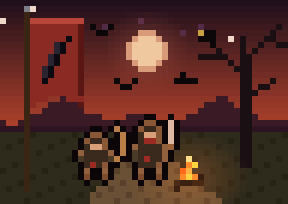 Raven Company5 cards
 The Mireborn5 cards
 🎪 The Faded Circus Troupe5 cards
 The Frostbound5 cards
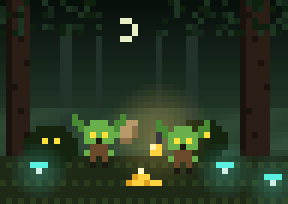 Goblins5 cards
 Order of the Dawn5 cards
 The Mimics5 cards
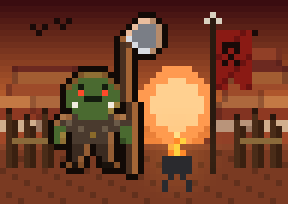 Orcs5 cards
 Ore Golems8 cards
 The Cursed Harvest5 cards
 The Spore Colony5 cards
 🔔 The Cursed Christmas Eve5 cards
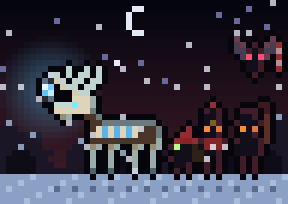 🎄 The Cursed Round5 cards
 Kharzûl, the Ash Titan3 cards
 The Glutton Lord's Banquet4 cards
 🎭 The Grand Ventriloquist4 cards
 🎄 The Cursed Fir2 cards
plugins/ and start the server./iazip.plugins/TCG/, then /tcg reload.Commands, permissions, configuration, ItemsAdder, storage and changelog.